Blog
How to schedule Instagram Stories: what actually works in 2026
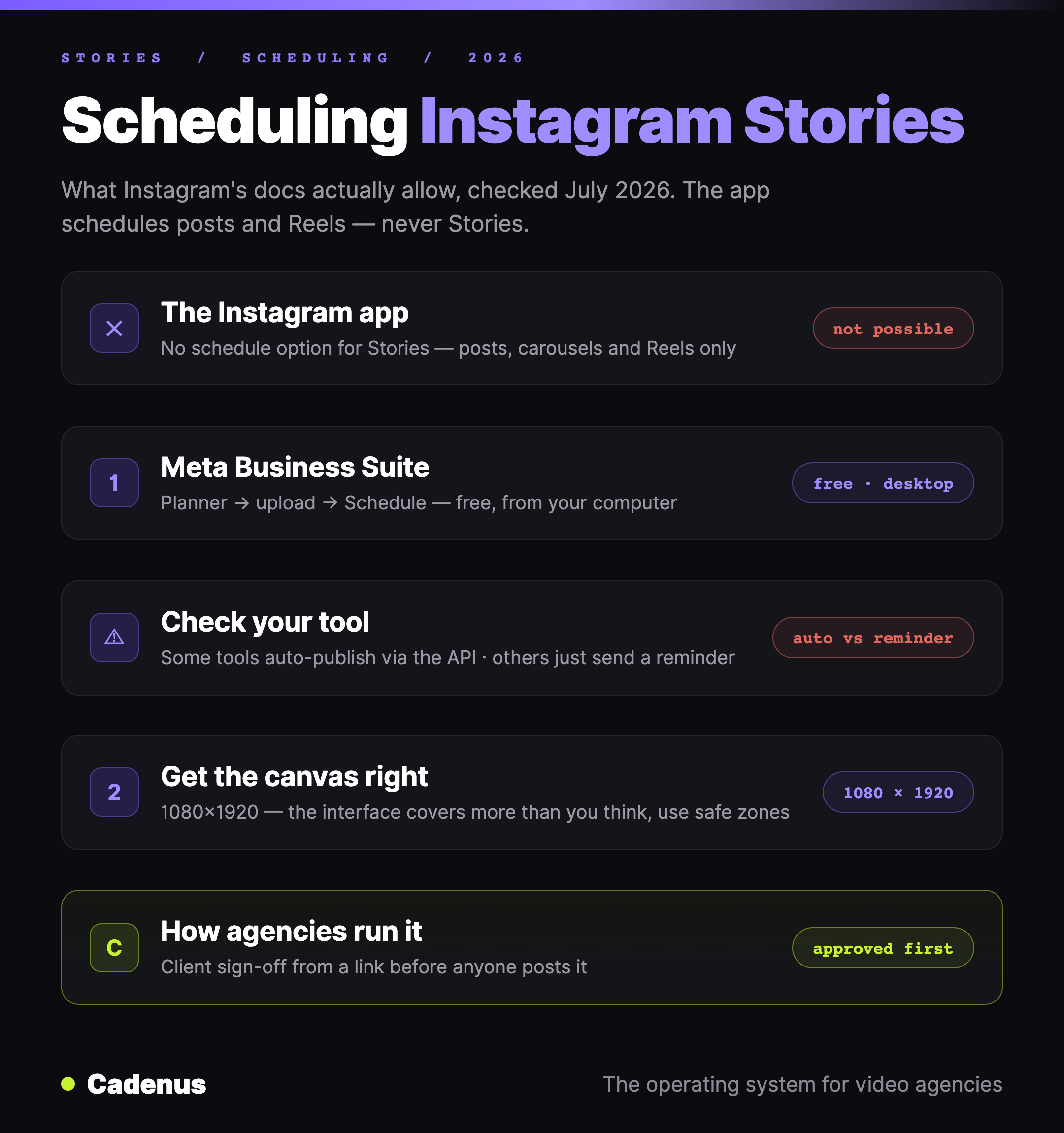
The Instagram app can't schedule Stories — its scheduling covers posts, carousels and Reels only. Here's the free way that works (Meta Business Suite), the auto-publish vs reminder distinction to check in any tool, and how agencies get Stories approved first.
Cadenus · 23 July 2026 · 6 min read
Here's the fact most guides bury: the Instagram app cannot schedule Stories. In-app scheduling exists — but Instagram's own documentation limits it to posts, carousels and Reels. Stories are not on the list. So every article promising a "schedule" toggle inside the Story composer is describing a feature that doesn't exist. Two things actually work: Meta Business Suite, which is free, and scheduling tools built on Instagram's API — with one distinction you should check before paying for one. Facts below are from Instagram's help documentation, checked July 2026.
The quick answer
| Method | Cost | Verdict |
|---|---|---|
| The Instagram app | Free | Not possible for Stories — posts, carousels and Reels only |
| Meta Business Suite | Free | The real free answer, from your computer |
| A scheduling tool | Paid | Works — but check how it publishes (see below) |
Why the app can't do it
Instagram's in-app scheduling, per its help center, covers posts, carousels and Reels — public accounts, up to 25 scheduled posts a day, up to 30 days ahead. Stories simply aren't part of the feature. Open the Story composer and there is no schedule option to find, on any account type.
That's worth knowing before you spend twenty minutes hunting through Story settings — or trust a guide that says it moved.
Method 1: Meta Business Suite
The free way that works. If your Instagram account is connected to a Facebook Page, Meta Business Suite can schedule Stories from your computer:
- Open Business Suite and go to Planner (or Create story from the home screen).
- Upload the Story — image or video — for Instagram, Facebook, or both.
- Instead of publishing, choose Schedule and set the date and time.
You get a bigger screen, your Facebook and Instagram Stories in one place, and a calendar view of what's planned. The limits are the usual ones for a free single-brand tool: no approval step, no team workflow, and juggling several client accounts gets painful fast.
Method 2: a scheduling tool — check this one thing
Instagram's API supports true Story publishing for professional accounts, so real auto-publish exists. But not every tool that lists "Story scheduling" uses it: some publish the Story automatically at the scheduled time, and some just send a notification to your phone at that time so you can post it manually. Both get called scheduling; only one works while you sleep. If the go-live moment matters, check which one you're buying.
Full disclosure about our own tool: Cadenus doesn't schedule Stories yet — it auto-publishes posts and Reels to Instagram natively, alongside TikTok, YouTube Shorts, Facebook, LinkedIn and X. For the Story publish itself, we'd point you to Business Suite today. Where Cadenus does earn its place with Stories is the step before publishing: for agencies, the Story is a client deliverable like any other, so it goes through the same client approval link as the Reels and posts — watched, approved, on the record — before anyone posts it anywhere.
Get the Story itself right
A scheduled Story that renders badly publishes badly on time. Two references worth a bookmark: the correct canvas is 1080×1920 — full specs in Instagram Story dimensions — and the interface covers more of the screen than you'd think; our Instagram safe zone guide has downloadable overlays that show exactly where text survives.
Which method fits you
A creator or a single brand: Meta Business Suite, and you're done — it's free and it genuinely schedules Stories. An agency running Stories for clients: Business Suite for the publish, and a system for everything around it — the approval before the slot, the record of who said yes, and one calendar for the content that can auto-publish. That chain is what we build — here's how agencies run it.
FAQ
Can you schedule Stories on Instagram?
Not in the Instagram app — its scheduling feature covers posts, carousels and Reels only, per Instagram's documentation. To schedule a Story you need Meta Business Suite (free, from your computer) or a scheduling tool that publishes Stories through Instagram's API.
How do I schedule Instagram Stories for free?
Meta Business Suite. Connect your Instagram account to a Facebook Page, open the Planner, upload the Story, and choose Schedule instead of publishing. It works for both Facebook and Instagram Stories.
Why is there no schedule option for my Story in the Instagram app?
Because the feature doesn't exist for Stories. Instagram's in-app scheduling is limited to posts, carousels and Reels — there is no schedule toggle in the Story composer on any account type.
Do scheduled Stories perform worse?
There's no evidence of a penalty for publishing through official surfaces — here's what the platforms actually say about schedulers and reach. If anything, timing matters more for Stories: they live for 24 hours, so publishing when your audience is awake is most of the game.
Can a client approve a Story before it goes live?
Yes — approval is about the content, not the publish button. In Cadenus, the Story asset goes to the client on a magic link like any other deliverable: they watch it, approve or request changes, and the decision is recorded. Then it publishes at the planned time — today, via Business Suite.
Sources
- What in-app scheduling covers (and doesn't): How to create and manage scheduled posts and Reels on Instagram — Instagram Help Center, checked July 2026.
- The canvas, spec'd right: Instagram Story dimensions and the Instagram safe zone overlays
- The reach question: Do scheduling tools hurt your reach?