Blog
How to schedule Instagram posts: every method that works in 2026
The three ways to schedule Instagram posts in 2026: free in the Instagram app (public account, 30 days ahead), free in Meta Business Suite, or with a scheduling tool once clients and teams enter the picture.
Cadenus · 23 July 2026 · 7 min read
Before anyone asks how to schedule Reels or Stories, they ask the plainer question: how do you schedule a regular Instagram post, a photo or a carousel, so it goes live while you are doing something else? There are exactly three ways to do it, and the right one depends less on the post itself and more on how many accounts you run. The Instagram app schedules posts natively and for free, Meta Business Suite does it from a desktop, and a scheduling tool takes over once several accounts, a team or client approvals enter the picture. Every platform fact below comes from Instagram's own help documentation, checked in July 2026.
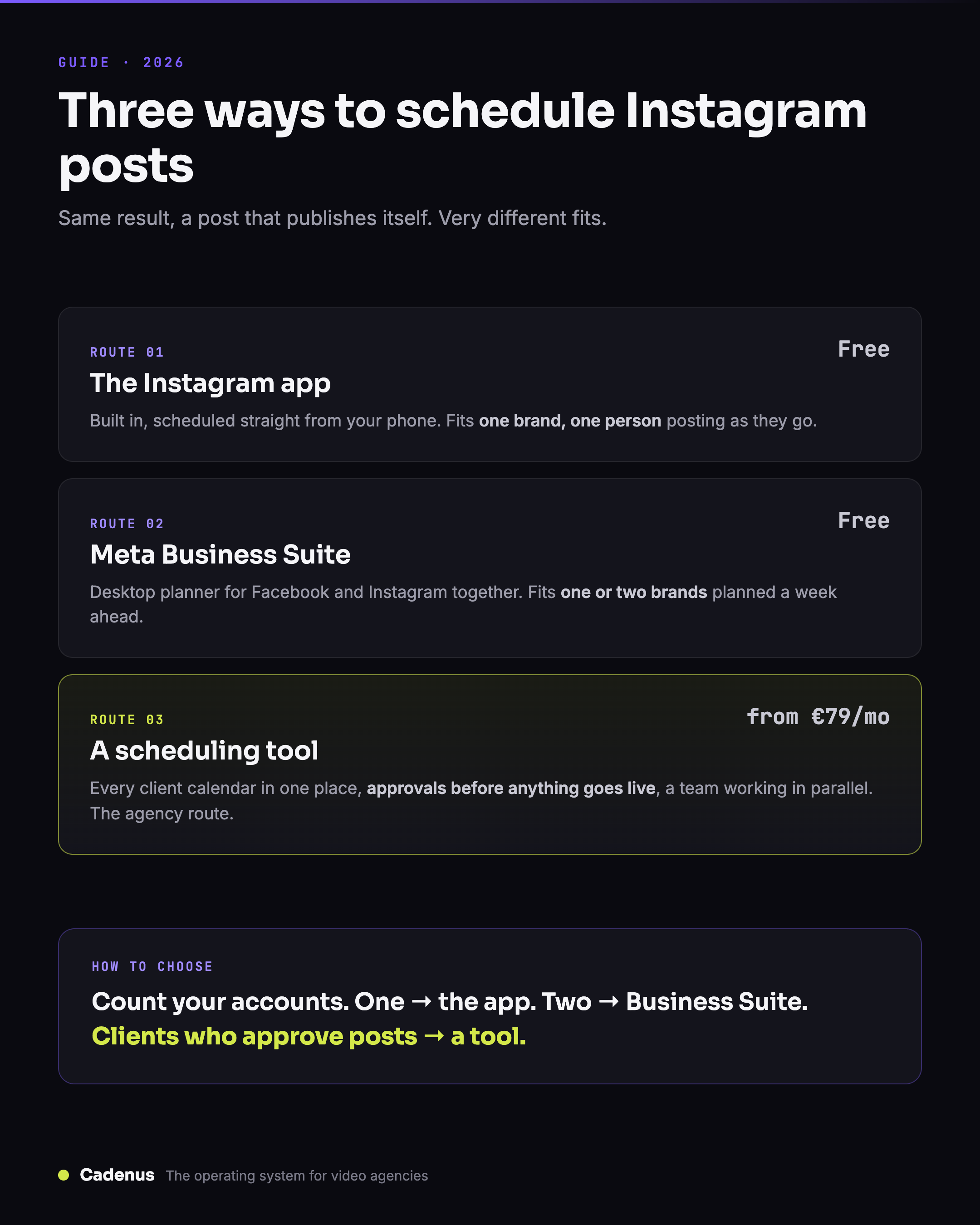
The three ways to schedule Instagram posts in 2026
The first route is the Instagram app itself. Scheduling is built in, costs nothing, and covers exactly the formats this guide is about: posts, carousels and Reels. If you run one account and create on your phone, it is probably all you need, and it comes with fewer conditions than most guides claim.
The second route is Meta Business Suite, Meta's free management surface. If your Instagram account is connected to a Facebook Page, you can plan Facebook and Instagram content side by side from your computer, with a proper keyboard and a calendar view. For a single brand run by one person from a desktop, it is often the comfortable middle ground.
The third route is a dedicated scheduling tool. This one costs money, and it exists because the free options stop scaling at a very predictable point: the moment you manage more than a couple of accounts, work with other people, or need someone to approve a post before it goes live.
A quick way to place yourself before reading on: one account, posting from your phone, take the app. One brand, planned from a desktop, take Business Suite. Several accounts, a team, or clients who say yes and no, take a tool, and know that the scheduling itself will be the least of what you are paying for.
Scheduling inside the Instagram app
The requirement, per Instagram's help center, is shorter than most guides make it: a public account. Not a business account, not a creator account, just a public one. Older articles still claim you need a professional account and can schedule 75 days out; both were true once, but as of July 2026 Instagram's documentation says public account, 30 days. The limits that do apply: up to 25 scheduled posts a day, up to 30 days in advance.
The steps for a post or a carousel:
- Tap Create, then Post.
- Select your photo, or several photos and videos if you are building a carousel, and tap Next.
- Add your caption and any tags or location.
- Tap More options.
- Turn on Schedule this post and pick a date and time.
- Tap Done, then Schedule.
To see everything you have queued, go to your profile, open the Menu and tap Scheduled content. From there you can edit a scheduled post, move it to a new slot, delete it, or publish it immediately.
Know the exceptions before you build a calendar around them. Per Instagram's documentation, product tagging, collab posts, sponsored posts and fundraisers are not compatible with scheduled content. The collab restriction is the one that stings: a post published jointly with a partner account reaches both audiences, and if that is the plan for a given post, you publish it manually or use a tool that supports it.
Where the app method fits: one brand, your own content, created and posted from the phone. Thirty days of runway is plenty for a personal calendar, and the composer is the real one, so nothing about the post itself changes because you scheduled it.
Scheduling with Meta Business Suite
If your Instagram account is connected to a Facebook Page, Meta Business Suite schedules posts from your computer for free. It is Meta's own surface, publishing through official channels, with a bigger screen and your Facebook and Instagram content in one planner.
The flow:
- Open Business Suite and go to Planner, or choose Create post from the home screen.
- Pick where the post should go, Facebook, Instagram or both, then add your media and caption.
- Instead of publishing, choose Schedule and set the date and time.
The Planner shows a calendar of everything queued across both platforms, which is where Business Suite earns its keep: writing captions with a keyboard and seeing the month at a glance beats thumb-typing into a phone every evening.
Its limits are the ones you would expect from a free tool built for one brand. There is no approval step, so nothing stops a half-finished post from going live at its slot. There is no team workflow and no record of who signed off on what. And switching between many client accounts gets painful fast. None of that matters for a single brand; all of it matters the day you take on a second.
Scheduling with a tool
If your AI agent already creates the caption or video, it can also handle the scheduling through a publishing connection. Our Instagram MCP guide for Claude Code and Codex covers connecting the agent, uploading a local file and scheduling to a named Instagram account.
A paid scheduler earns its price in three situations: you manage several accounts, you work as a team, or someone, usually a client, needs to approve the post before it goes live. Cross any of those lines and the free options start costing you in time what a tool would cost in money.
The mechanics are worth understanding before you pay. Serious tools publish through Instagram's official API, which supports native publishing for professional accounts: the post goes live on its own at the scheduled time, no reminder notification, no phone required. Publishing through the API is publishing through Meta's own front door, so the reach worry does not apply either; more on that below.
For agencies, the scheduling is the last step of a longer chain. The post gets designed, the client sees it, the client says yes, and the yes gets recorded; then the post deserves a slot on the calendar. A scheduler that starts at the calendar leaves you running that approval chain over email and WhatsApp, which is where client work actually goes wrong.
That order of operations is what Cadenus is built around. The client approves the post from a magic link, with no account to create and no seat to pay for, and every decision is recorded. Once approved, the post publishes natively to Instagram at its scheduled time, alongside TikTok, YouTube, Facebook, LinkedIn and X. Pricing stays flat, between €39 and €79 a month for the workspace, so adding a client never adds a line to your invoice. For an honest look at the wider field, we compared the options in best tools to schedule social media posts.
What about carousels, Reels and Stories?
Carousels are the easy answer: they schedule exactly like posts. Instagram's in-app scheduling covers posts, carousels and Reels as one feature, Business Suite plans them from the desktop, and API-based tools publish them natively.
Reels ride the same three routes but come with wrinkles of their own, including what cannot be scheduled at all and why the schedule option sometimes refuses to appear. We wrote those up separately in the guide to schedule Instagram Reels.
Stories are the exception, and it is worth saying plainly: the Instagram app cannot schedule Stories at all. The in-app feature is limited to posts, carousels and Reels, so a Story needs Business Suite or an API tool. The details, including the one thing to check before paying for a tool that lists Story scheduling, are in the guide to schedule Instagram Stories.
Does scheduling hurt your reach?
No. There is no penalty for scheduled content published through official surfaces, and that answer comes from the platforms themselves, not from a vendor with something to sell. Instagram builds scheduling into its own app, Meta builds it into Business Suite, and the API exists precisely so tools can publish natively. What does move reach is timing and consistency, which is what scheduling buys you in the first place. We collected the statements and the evidence in do scheduling tools hurt your reach.
FAQ
Can you schedule Instagram posts in the app for free?
Yes. Public Instagram accounts can schedule posts, carousels and Reels straight from the Instagram app at no cost, up to 25 scheduled posts a day and up to 30 days in advance, per Instagram's help documentation.
How far in advance can you schedule Instagram posts?
Up to 30 days in the Instagram app, with a limit of 25 scheduled posts per day. Meta Business Suite reaches further out from a desktop, and scheduling tools typically let you plan months ahead, which matters when you batch content monthly.
Can you schedule carousels on Instagram?
Yes. Instagram's in-app scheduling covers posts, carousels and Reels, so a carousel schedules exactly like a single-photo post. Meta Business Suite and API-based scheduling tools handle carousels as well.
Do you need a business account to schedule Instagram posts?
Not for the app: Instagram's in-app scheduling requires a public account, not a professional one. Meta Business Suite requires your Instagram account to be connected to a Facebook Page, and tools that publish through Instagram's API work with professional accounts.
Does scheduling reduce your reach?
No. There is no evidence of a penalty for content published through official scheduling surfaces, and the platforms themselves say scheduling does not hurt distribution. Posting consistently at times your audience is awake helps far more than any tool choice.
Sources
- Official requirements, limits and steps: How to create and manage scheduled posts and Reels on Instagram, Instagram Help Center, checked July 2026.
- Scheduling from a desktop: Meta Business Suite, Meta.
- The format-specific guides: schedule Instagram Reels and schedule Instagram Stories.